Every school should have a written lockdown policy, and the Department for Education’s Protective security and preparedness for education settings guidance recommends that schools plan for lockdown, invacuation and evacuation. Under Martyn’s Law, schools expecting 200 or more people on site will also need documented procedures in place by 2027.
The best lockdown policies are short, clear and practised. This guide explains what to include and gives a section-by-section outline you can adapt.
What a Lockdown Policy Is For
A lockdown policy sets out how the school will protect pupils, staff and visitors when there is a threat at or near the site, such as an intruder, a violent incident nearby or a suspicious person. It should let any member of staff, including supply staff, act correctly within seconds, without needing to make decisions from scratch.
Template Outline: Sections to Include
- Purpose and scope: which sites and buildings the policy covers, and how it links to your safeguarding, fire and critical incident policies.
- Roles and responsibilities: who can initiate a lockdown, who leads the response, who contacts the emergency services, and deputies for each role.
- Types of response: definitions of full lockdown, partial lockdown, invacuation and evacuation, and when each is used.
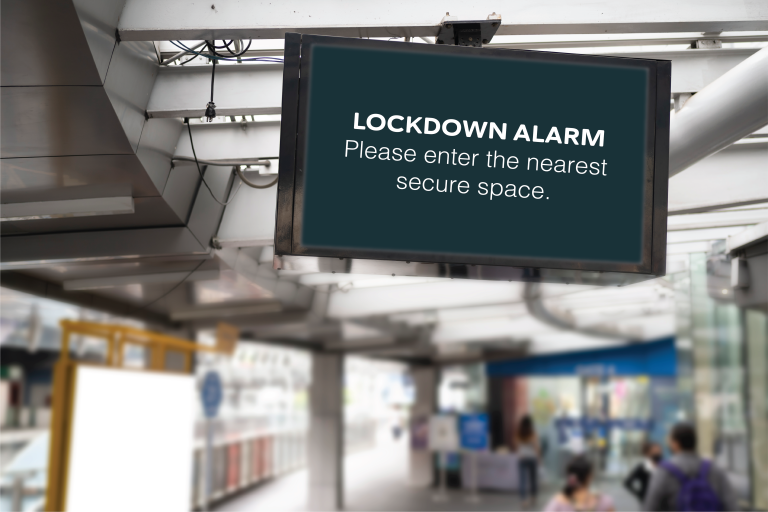
- The alert signal: exactly how a lockdown is announced, and how it differs from the fire alarm.
- Actions in classrooms and offices: securing doors and windows, blinds and lights, moving out of sight, keeping quiet, taking a register.
- Pupils and staff outside classrooms: corridors, toilets, the playground, the field, the dining hall.
- Visitors, contractors and lettings: how they are told and looked after.
- Pupils with additional needs: individual plans for pupils who may find lockdown distressing or need help moving.
- Communication during the incident: how updates reach rooms, and how rooms report back.
- The All Clear: who can give it and how it is confirmed.
- Communicating with parents: what is said, when, and by whom, including keeping the school phone lines clear.
- After the incident: welfare support, debrief and reporting.
- Training and drills: how often, who takes part, and how lessons are recorded.
- Review: when the policy is reviewed and who signs it off.
Keep the Room Procedure to One Page
The full policy is for leaders and governors. Staff need a one-page summary displayed in every classroom and office, listing the signal, the steps to secure the room and how the All Clear works. In an emergency nobody reads a 12-page document.
Make the Signal Unmistakable
The single most common weakness in lockdown policies is the signal. If it sounds like the fire alarm, or relies on a code word over a tannoy, staff and pupils may evacuate into danger. Read our article on lockdown alarms vs fire alarms to see what a good signal looks like.
Test the Policy with Drills
A policy only becomes a procedure when people have practised it. Plan staff-only drills first, then age-appropriate drills with pupils, and record what you learn each time. Our step-by-step guide to lockdown drills shows how.
Where to Find Official Guidance
Use the DfE’s Protective security and preparedness for education settings guidance, along with the free resources from ProtectUK and the National Protective Security Authority (NPSA). Your local authority or trust may also have a model policy. If your school is in scope of Martyn’s Law, read our Martyn’s Law overview too.
How PopAlert Fits into Your Lockdown Policy
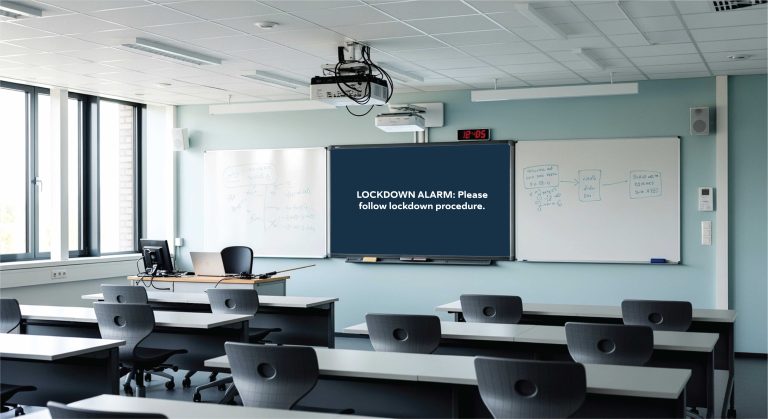
PopAlert gives your policy a clear, consistent way to communicate. Authorised staff trigger a pre-written lockdown, invacuation, evacuation or All Clear message, and it appears full screen on every connected computer with a distinct tone. Administrators can send live updates during the incident. Because the wording is agreed in advance, every room receives exactly the instruction your policy describes.
See PopAlert for schools or book a demo.