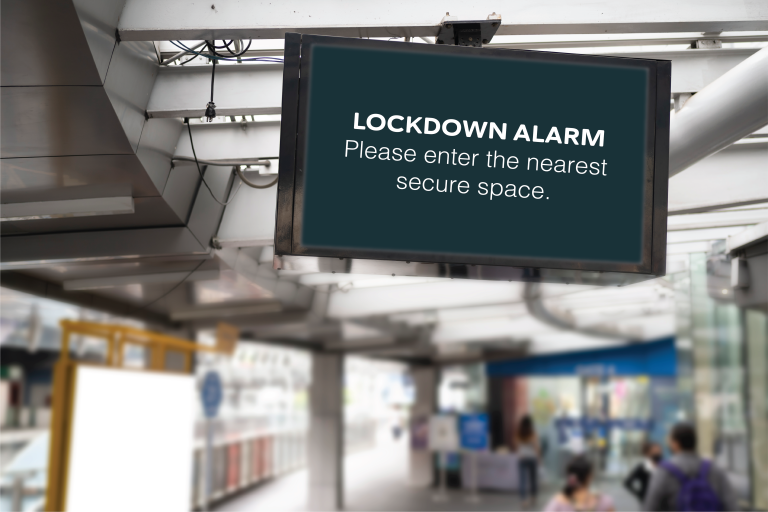
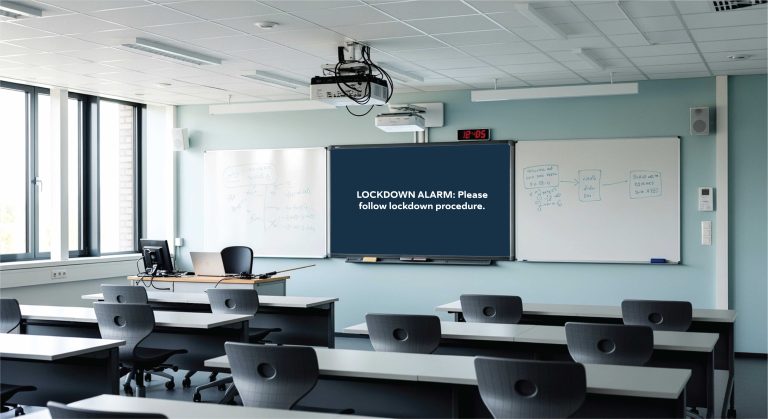
Traditional lockdown systems can mean control panels, new cabling, specialist hardware and weeks of disruption. PopAlert is different: it uses the computers and network you already have, and our team installs and configures everything for you, typically in under a day.
Here’s what to expect.
1. An Initial Conversation
We start by understanding your site and your procedures: how many buildings and computers you have, who should be able to trigger alerts, and any systems you’d like PopAlert to work with, such as an Alertex lockdown alarm, access control or panic buttons.
2. Matching Your Procedures
PopAlert is configured to match your documented emergency procedures: the alert types you use (lockdown, evacuation, invacuation, All Clear and custom alerts), the exact wording of each message, the alert tones and who can trigger what.
3. On-Site Installation
Our engineers install the PopAlert control unit on site and connect it to your network. The PopAlert client is set up on your computers. There are no building works, no new screens and no batteries to maintain around the site.
4. Integrations
If required, PopAlert is connected to your other systems using relay inputs and outputs, for example triggering from a lockdown button or Alertex, or activating strobes, sirens or door access when an alert is raised. See integrations.
5. Testing Before Sign-Off
Before going live, we carry out controlled activation and system validation to confirm alerts reach every connected computer, so you know it works before you rely on it.
6. Staff Training
Full staff training is included, so authorised staff know how to trigger alerts, send updates and give the All Clear, and everyone else knows what alerts look and sound like.
After Installation
PopAlert needs minimal ongoing maintenance. We recommend periodic testing, which PopAlert supports with scheduled test alerts and drill mode, and keeping the system updated. As your procedures change, alert types and messages can be updated, and PopAlert can be expanded to more buildings or sites.
Ready to talk about your site? Contact us or book a demo.